

WebTV-learning is an extension of WebTV for Streamlike, the WordPress plugin that turns a playlist into a video channel on your website. This solution is offered by Tutoriel-en-Ligne, a long-standing partner of Streamlike. Here’s who it’s for, what it actually does, and why it’s worth your attention.
Who is WebTV-learning for?
The solution is for anyone who wants to publish, sell, or manage video training from their own WordPress site:
- Independent trainers and course authors, who want to publish courses, free or paid, without building a custom platform.
- Training organizations, including centers certified under Qualiopi (the French quality certification for training providers), that need to produce evidence of training: placement tests, attendance sheets, entry and exit assessments.
- Centers that buy or resell seats in bundles, with seat assignment, tiered discounts, and validity periods.
- Webmasters and agencies, since the plugin works with any theme and with Oxygen and Elementor, and integrates through shortcodes or Gutenberg blocks.
One prerequisite: a Streamlike or Streamlike.eco subscription, which hosts and delivers your videos.
Four real-world use cases
1. Sell a course catalog
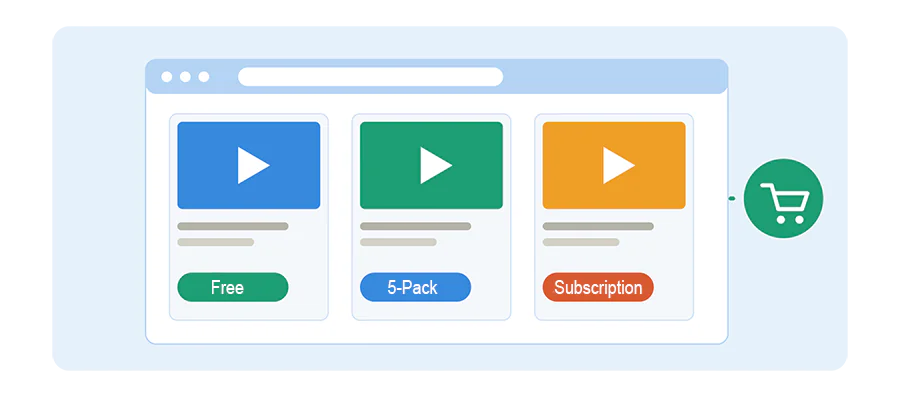
You offer several learning paths and want to sell them yourself. WebTV-learning handles free courses, single-course sales with discounts, bundles, volume discounts, and subscriptions, either site-wide or by category. A free trial lesson and a placement quiz before purchase help visitors pick the right course.
2. Train groups with a tutor
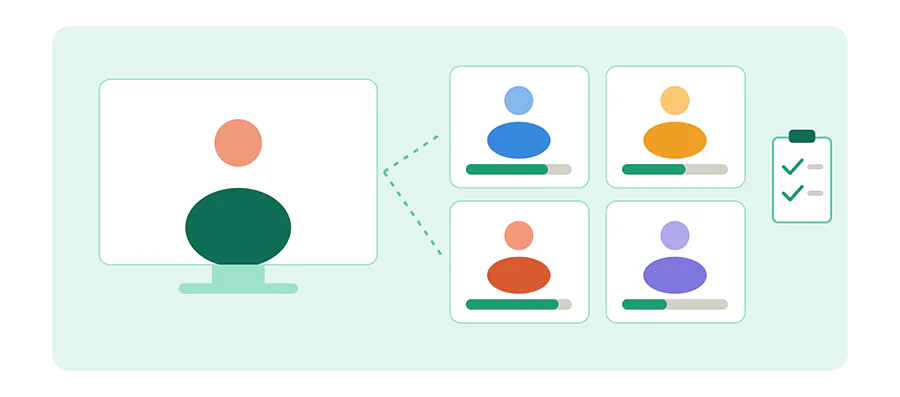
A training center sets up groups, assigns a tutor, and attaches documents (attendance sheets, training agreements). The tutor tracks learners from the site’s public area, without access to the WordPress admin. An entry assessment and an exit assessment frame the program.
3. Gather the evidence needed for a Qualiopi audit
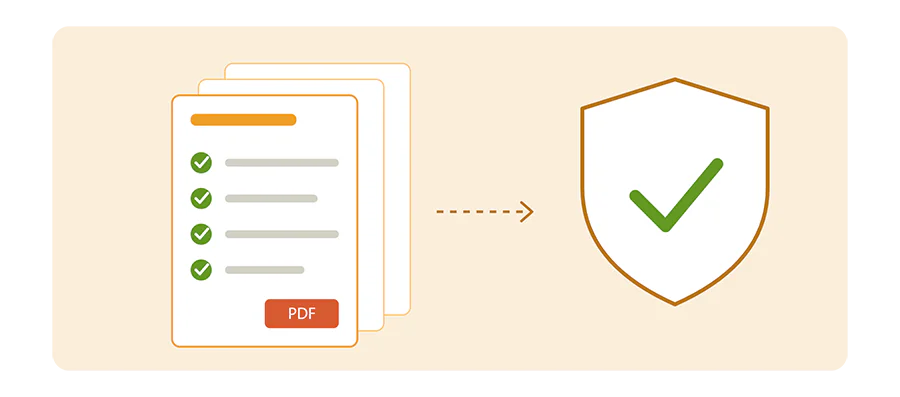
Activity history, printable or PDF activity reports, assessments, CSV exports: the plugin produces tracking evidence. One important note: a plugin certifies no one. It provides records that the organization uses in its own compliance process.
4. Keep learners going to the end
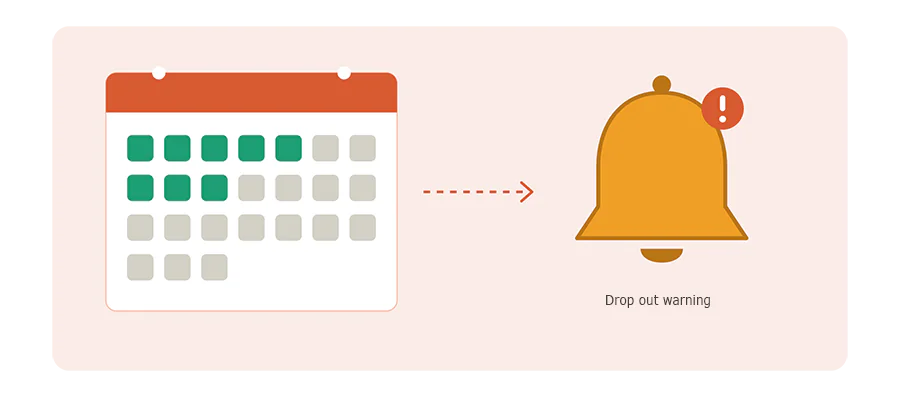
A dropout alert fires after a number of days without activity, a threshold you define. You can follow up with a learner before they give up, and point them to the lessons to review thanks to the per-topic score.
Tip: the open quiz, which is ungraded, works as orientation levels. It’s a good fit for a home page that routes each visitor to the course matching their level.
Features, role by role
For administrators
- Flexible sales: free, single course, bundles, volume discounts, subscriptions, or a combination of the two.
- In-course quizzes: before/after assessment, passing score, enforced path. An optional AI-assisted quiz generator is available: you provide your own API key, and the AI fills a review area without ever writing directly into the quiz.
- Groups and tutors: attached documents, entry and exit assessments (unlocked once 80% of lessons are viewed), history, CSV export.
- Activity reports: printable or exported as PDF.
- Dropout alert: triggered after a set number of days without activity.
- Seat bundles for centers: assignment, tiered discounts, validity period, reassignment.
- Login limit per account: the oldest session is closed automatically.
- Sales and learners: search, filters, sorting, and spreadsheet export.
For trainers and tutors
They track learners directly from the site’s public area. They get a session prep sheet (actual start time, pace, lessons viewed, viewing data) and access to the activity report.
For learners
- A free or enforced path: the next lesson unlocks at 90% viewed and a passed quiz.
- A per-topic score, with a list of lessons to review.
- A customer area: purchased or gifted courses, exit assessment progress, and a list of connected devices that learners can sign out themselves.
For integration
Nearly 20 shortcodes (wtl_catalogue, wtl_inscription, wtl_connexion, wtl_selection, wtl_panier…) and 19 Gutenberg blocks with settings in the sidebar. The interface and documentation are available in French and English. For developers: JavaScript events, a data filter, and CSS variables.
Key strengths
- You stay in control of your site. Streamlike hosts and delivers the videos; WordPress runs everything else: pages, sales, accounts, tracking. No third-party platform stands between you and your learners.
- Fast and lean. The catalog is stored in WordPress and refreshed on demand or on a schedule you choose, so your pages don’t call the Streamlike API on every visit. Only the player and images come from Streamlike.
- Respectful of data. The API key stays server-side, statistics are not sent to public pages, no fonts are loaded from third-party services, and viewing progress is stored in the visitor’s browser.
- A flexible business model. From free courses to category subscriptions, without switching tools.
- Optional, controlled AI. It suggests, you review and approve. You pay only for your own usage.
- Easy to integrate. Works with any theme, requires WordPress 6.4 and PHP 7.4 or later, and offers shortcodes and blocks to build your pages.
- No commitment. The subscription can be canceled at any time, and without one your WebTV keeps working, but without updates or new features.
Good to know before you get started
- Pricing: WebTV Learning costs €29 per month or €290 per year. It is in addition to Streamlike.eco hosting and delivery, which starts at €30 per month (excl. VAT). All prices are in euros.
- Trial: Streamlike.eco offers a 10-day free trial, no payment method required.
- Support: design, training, and integrations are available by quote.
Your turn
Turning a playlist into a course takes a subscription, a plugin, and a few settings. To see the solution in action, a 30-minute demo is available by appointment, and free training courses with orientation quizzes are available online. Documentation is available in French and English.
🔗 Overview of WebTV for Streamlike and WebTV Learning